
Cook what needs eating first
Wilting spinach, half a tub of yoghurt, the last two peppers. A use-first habit turns them into dinner instead of waste — without turning your week upside down.

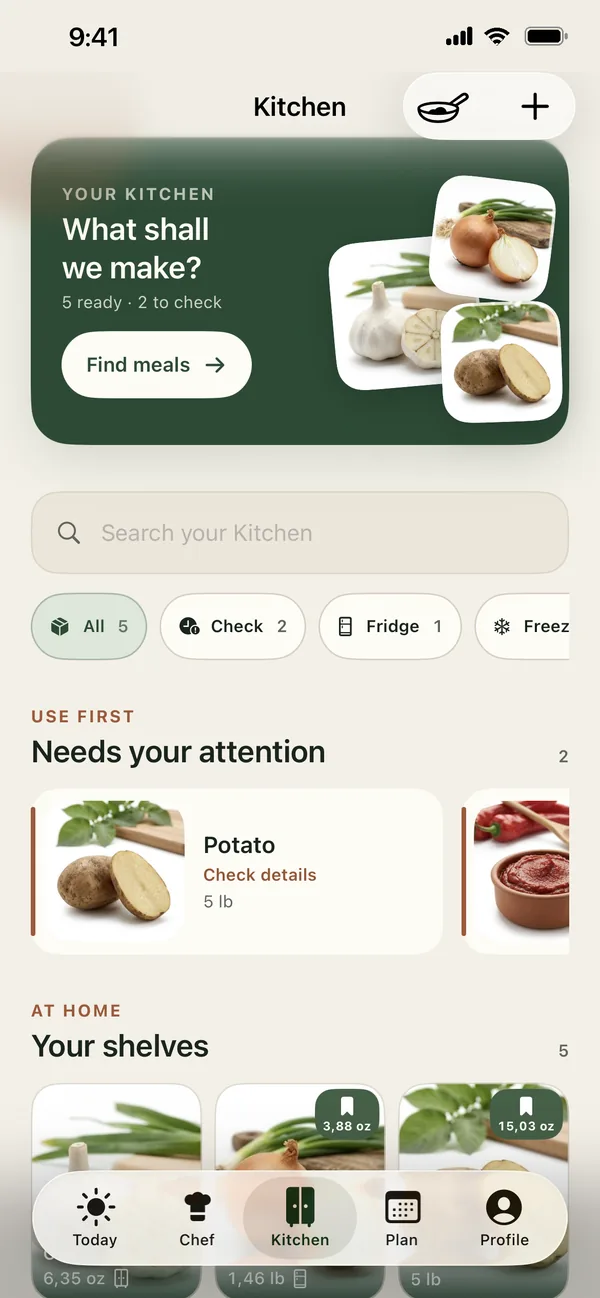
Short answer: Check what needs eating first, plan the next two or three meals around those items, and shop only for what those meals still need. Freeze what you will not reach in time. In PantryWeave, freshness checks and the Use first shelf show what to use soon, and Chef shows recipes that are Ready with what you already have.
Most food waste happens at home
According to the UNEP Food Waste Index Report 2024, households threw away an estimated 631 million tonnes of food in 2022 — around 60% of all food wasted, or about 79 kg per person each year. Much of it is food that was bought with good intentions and simply never got cooked in time.
The cure is less about willpower and more about order: look at what needs using before you decide what to cook, and before you shop.
The use-first method
- Make a use-first shelf. Give the fridge one shelf or box for anything that needs eating in the next few days. You will see it every time you open the door.
- Check it before you plan. Write down what is on the shelf, then choose the first two or three dinners of the week around it.
- Lean on flexible formats. Some dishes happily absorb whatever is left (see the table below). Keep a few in rotation.
- Use the freezer as a pause button. Bread, cooked grains, grated cheese, ripe bananas and chopped herbs in oil all freeze well. Freeze before food turns, not after.
- Shop last. Only once the plan is set, list what is missing. Anything already at home stays off the list.
Dates on labels
“Use by” dates are about safety; “best before” dates are about quality. When in doubt, follow the label and your local food-safety guidance.
Six rescue meals worth knowing
Dishes that turn odds and ends into a proper dinner.
| Rescue format | Good for using up | Tip |
|---|---|---|
| Frittata or omelette | Vegetables, cheese ends, herbs | Works hot for dinner and cold for lunch |
| Fried rice | Cooked rice, frozen peas, odd vegetables | Day-old rice fries best |
| Soup | Soft vegetables, stock, beans | Blend for picky eaters |
| Traybake | Root vegetables, peppers, onions | One tray, little washing up |
| Grain bowl | Leftover grains, greens, dressing | Assemble per person |
| Pasta sauce | Tomatoes, spinach, cream or yoghurt | Freezes well in portions |
How PantryWeave helps
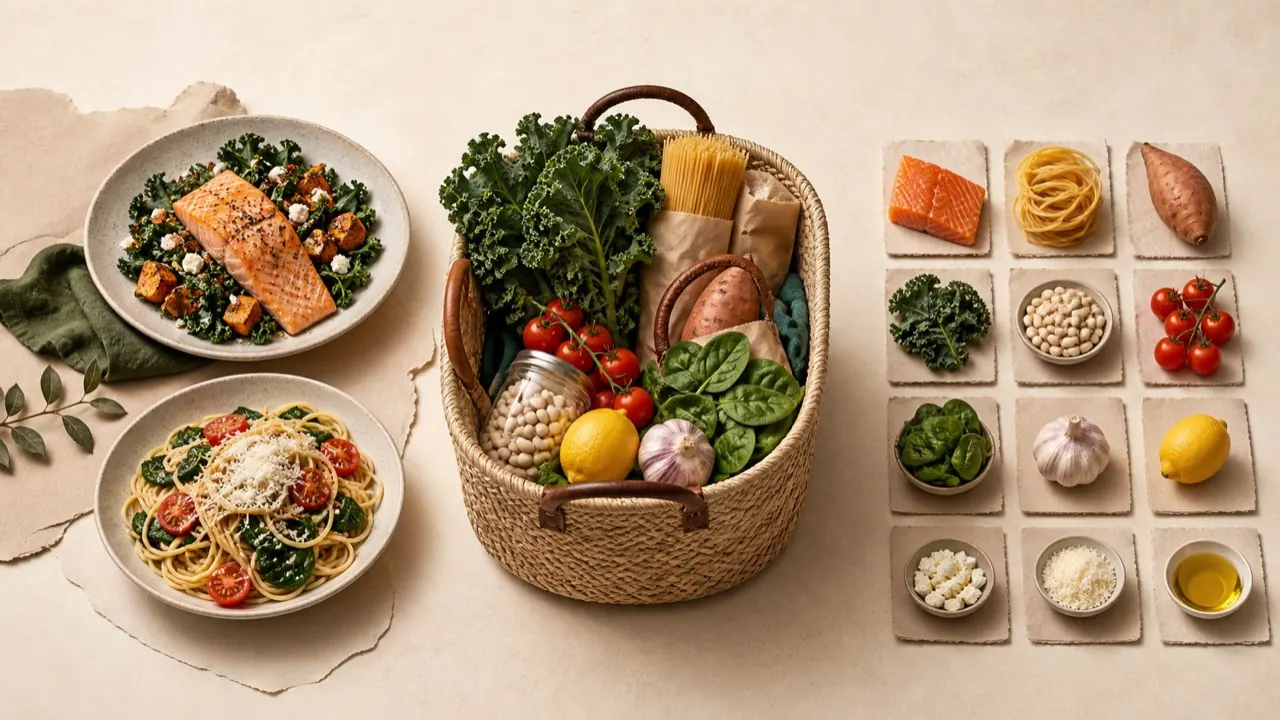
PantryWeave puts what you already have at the start of every decision.
Freshness checks
Each item can get a freshness check based on how long it typically keeps, with badges like Use in 2d or Check today so you see what needs using first.
Nothing extra
Choose the Nothing extra shopping option to see only recipes that are ready with what is at home.
Plans reserve what you have
Planned meals reserve Kitchen stock, so the same spinach isn’t promised to two dinners.
Kitchen stays accurate
When you finish a meal, you choose whether to deduct what you used from Kitchen.
Frequently asked questions
Does PantryWeave show what to use first?
Yes. Each Kitchen item can get a freshness check based on how long it typically keeps, with badges like Use in 2d or Check today and a Use first shelf, so you can see what needs using first. Freshness checks are reminders, not food-safety guarantees. Always check the food itself too.
Can I find recipes that use only what I already have?
Yes. In Chef, choose Nothing extra and you will only see recipes that are ready with what is in your Kitchen.
Will PantryWeave stop all my food waste?
No app can promise that. PantryWeave helps by starting every plan and shopping list from what you already have.
What is the difference between use by and best before?
Use by dates are about safety and best before dates are about quality. Follow the label and your local food-safety guidance.
Related guides

Start your week from what needs eating
Download PantryWeave on the App Store and plan your first week from what you already have.

Free to start · iPhone