
How to choose a meal planning app
A good meal planning app starts from your kitchen, follows how you eat and turns your plan into a short shopping list. Here is what to check before you download one, and how PantryWeave handles each point.
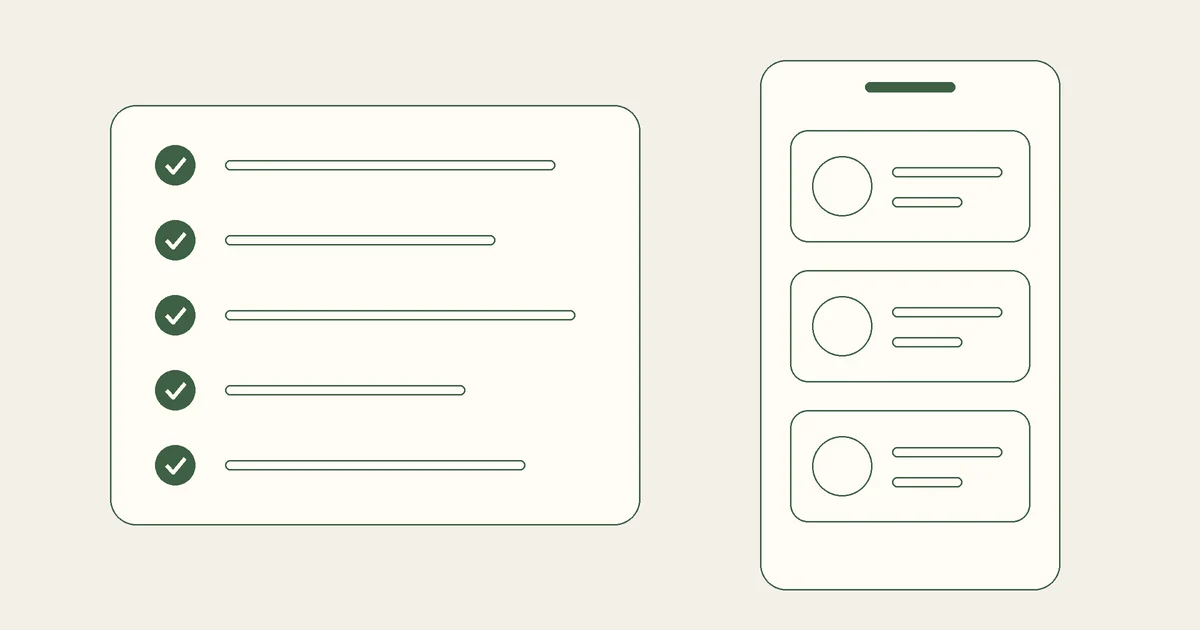
Short answer: Pick a meal planning app that plans from what is already in your kitchen, follows your diet and the ingredients you avoid, and turns your plan into a grocery list of only what is missing. Try it before you commit: PantryWeave is free to start on iPhone and iPad.
What to look for in the best meal planning app
The right app is the one you keep using after the first few days. These are the points that decide it.
| Check | What to look for, and how PantryWeave does it |
|---|---|
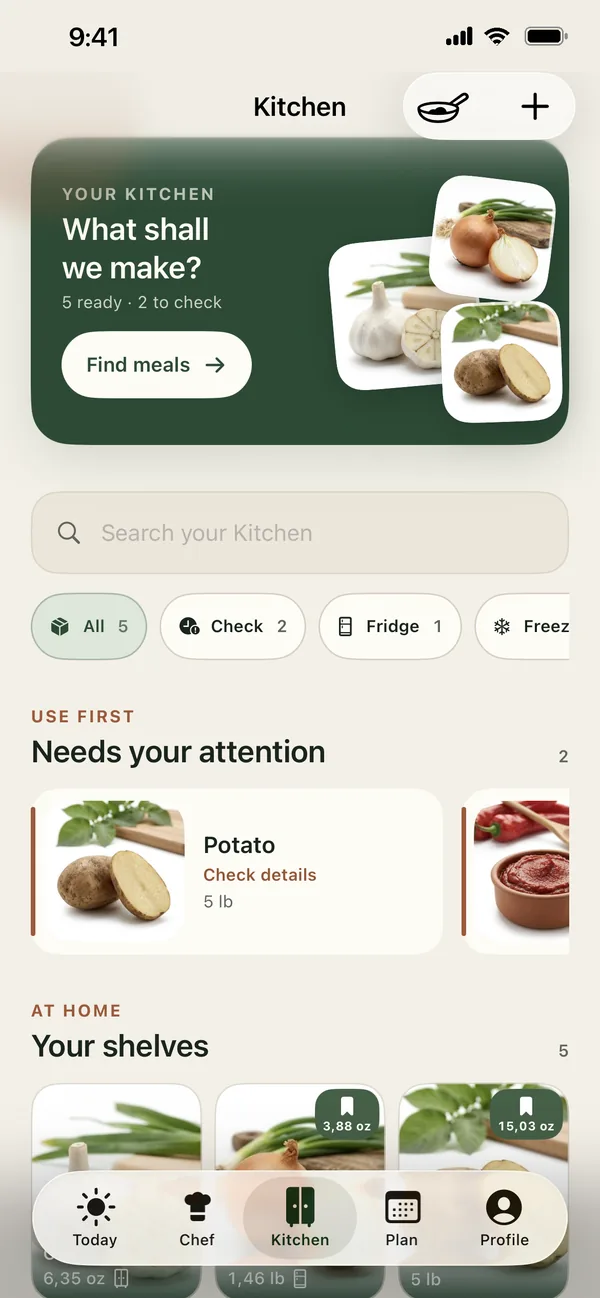
| Your kitchen | It plans from what you already have, so food gets used before you buy more. In PantryWeave: Kitchen holds what is in your fridge, freezer and pantry, and on the counter. In Chef, choose Nothing extra under How much shopping? to see dishes you can make with what is at home. |
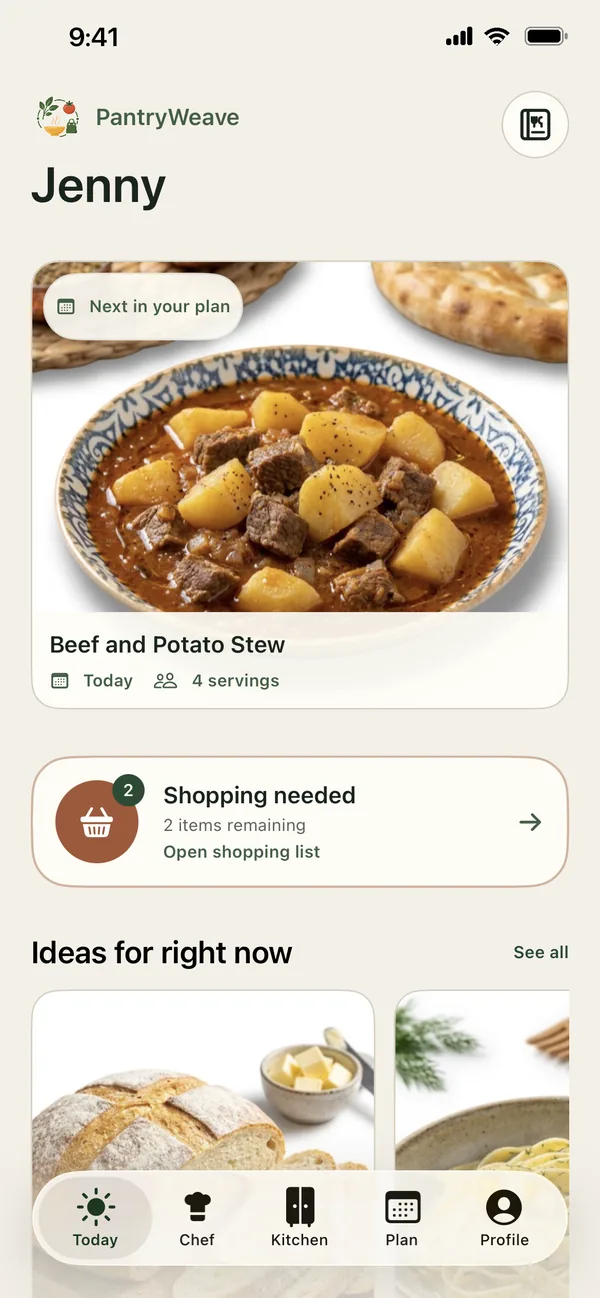
| Day by day | You decide ahead, so “what’s for dinner?” becomes a quick look at your plan. In PantryWeave: Plan your meals ahead, day by day, from recipes you pick in Chef. |
| Shopping list | The list is built from your meals, so recipes do not have to be copied onto paper. In PantryWeave: The grocery list comes from your plan. Amounts already in Kitchen are taken off, items you have show as Already in Kitchen, and the list updates when a meal comes off the plan. |
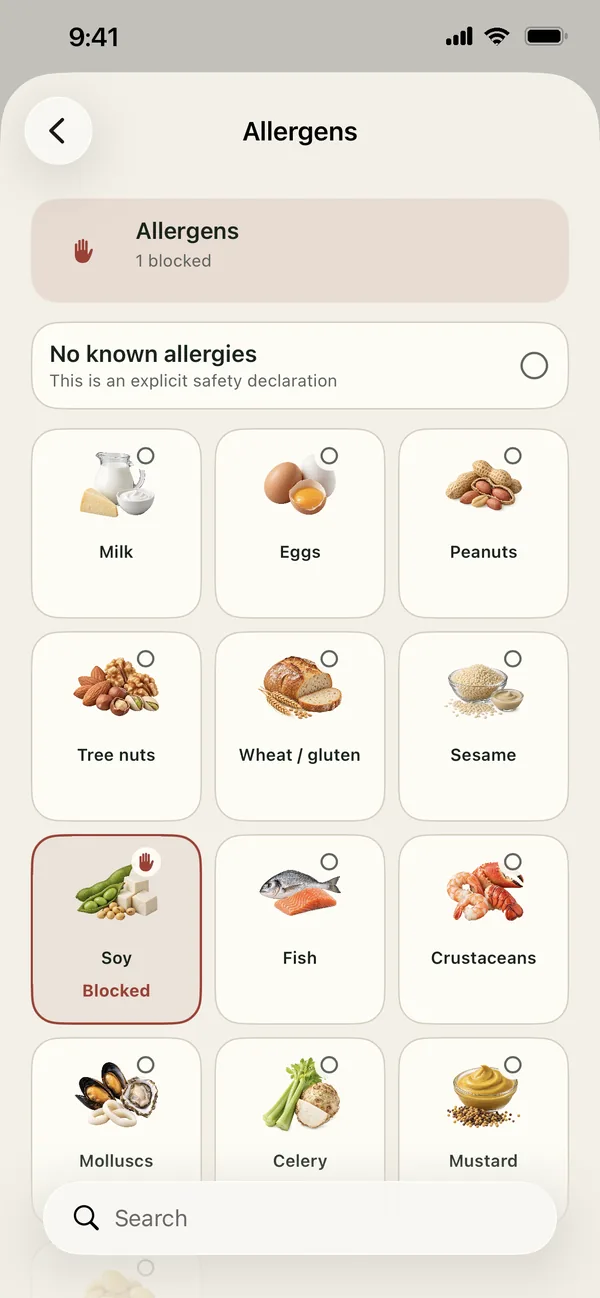
| Food rules | It follows your diet and the ingredients you avoid, so the plan holds meals you can eat. In PantryWeave: Set your diet (vegetarian, vegan or halal), allergens and ingredient rules in your profile. Chef leaves out recipes that conflict with your allergens, your diet, Never include and Avoid for now; Prefer not to include moves recipes lower. On the shopping list, the app reminds you to check the label and ingredient list of the product you buy. |
| Freshness | It shows what to use first, because food is easy to forget at the back of the fridge. In PantryWeave: Kitchen suggests where each item is stored and when to use it, and items that need attention sit at the top under Use first. |
| Keeping stock | Your stock stays up to date with little effort; an inventory only helps while it is accurate. In PantryWeave: Tick items as Bought while you shop and tap Move to Kitchen. When you finish cooking, choose Cooked — deduct Kitchen. |
| Time and tools | Suggestions fit the time you have and the equipment in your kitchen. In PantryWeave: Chef’s How much time? filter offers 15, 30 or 45 minutes, and suggestions match the kitchen equipment in your profile. |
| Units | Recipes use the units you cook with. In PantryWeave: Metric or US customary, plus household measures such as cups and pieces. |
| Nutrition | Calories and nutrients per serving are in view while you plan. In PantryWeave: Each recipe shows estimated calories, protein, carbohydrates and fat per serving. |
| Try it free | You can see whether it fits your routine before you commit. In PantryWeave: PantryWeave is free to start on iPhone and iPad. |
A quick test before you commit
Whichever app you try, a short trial with your own food shows more than a feature list.
- Add a few things from your fridge. Check whether the app can suggest a dinner you could cook with them tonight.
- Plan a couple of meals ahead. Then open the shopping list: what you already have should not appear as something to buy.
- Take one meal off the plan. The list should change with it.
- Set one rule you live by, such as a diet or an ingredient you never want, and look at the recipes it offers next.
- Mark a meal as cooked. See whether the stock changes without retyping anything.
In PantryWeave, each of these steps is part of the everyday loop of Kitchen, Chef, Plan and the shopping list.
The meal planning app that starts from your pantry
PantryWeave: Meal Planner joins Kitchen, Chef, Plan and the shopping list on iPhone and iPad, so each step feeds the next.
- Add what you have. Put your food into Kitchen under Fridge, Freezer, Pantry or Counter. Storage and freshness are suggested for you, and you can change them.
- Set your profile. Add your diet, allergens, ingredient rules and kitchen equipment once.
- Pick recipes in Chef and plan. Choose what you are preparing, how much shopping you want and how much time you have, then add the recipes you like to your plan.
- Shop for what is missing. The list comes from your plan; tick what you bought and move it to Kitchen.
- Cook and keep Kitchen current. Tap Finish cooking and choose Cooked — deduct Kitchen.
Frequently asked questions
What does a meal planning app do?
It helps you decide what to cook, plan those meals ahead and buy what they need. A good one also starts from what is already in your kitchen and leaves it off the grocery list. In PantryWeave you plan your meals ahead, day by day, and the shopping list holds only what is missing.
Is there a free meal planning app?
Yes. PantryWeave is free to start on iPhone and iPad: download it from the App Store and start planning.
Is there an app for meal prep?
Yes. In PantryWeave, plan your meals ahead, day by day, and the shopping list for your meal prep builds itself from the plan. The ingredients for each planned meal stay set aside in Kitchen until you cook it or take it off the plan.
Can a meal planning app make your grocery list too?
Yes. In PantryWeave the meals you plan become one grocery list: amounts are combined, what is already in Kitchen is subtracted, and only what is missing is left to buy.
Related guides

Your meals, planned from your own Kitchen
Download PantryWeave on the App Store and plan meals from what you already have.


Free to start · iPhone